
Working While Travelling: eSIMs, Hotspots and Good Wi-Fi
The number of people working while travelling has grown dramatically in the last few years, and the infrastructure to support it has kept pace. What used to require careful planning, expensive international roaming plans, and a lot of crossing your fingers in airport lounges is now genuinely manageable with the right setup. Getting reliable connectivity on the road in 2026 is a solvable problem. It just requires knowing which tools to use and when.
This guide covers the three pillars of working while travelling: eSIMs for mobile data, portable hotspots for dedicated connectivity, and finding good Wi-Fi when you need it. It also covers the practical realities that the marketing copy tends to leave out, like what happens when the hostel Wi-Fi is not actually fast enough for a video call, or when your eSIM doesn’t cover the rural area you’ve just arrived in.
Whether you’re a full-time digital nomad running a business from your laptop, or someone squeezing in a few hours of work each morning before exploring a new city, the principles are the same. Connectivity is infrastructure. Treat it like one.

📱 eSIMs: The Connectivity Game-Changer
An eSIM is a digital SIM card built into your phone that can be activated remotely without a physical card. It changed travelling with a phone entirely. Before eSIMs, getting local data meant finding a SIM shop, waiting in line, showing your passport, and hoping the staff spoke enough English to get you on the right plan. Now you can buy and activate a data plan before you land, from your phone, in about three minutes.
Most modern smartphones support eSIM (iPhone XS and later, most recent Android flagships). Check your device settings under Mobile Data or SIM to confirm.
The main advantages:
- No physical SIM swapping. Keep your home SIM active for calls and texts while running a travel data plan simultaneously on the eSIM.
- Buy before you land. Activate on the plane or in the airport before you even clear customs.
- Swap plans between countries without visiting a shop.
- Multiple providers available for competitive pricing.
The limitation is coverage. eSIMs work on the same networks as local SIMs, so if 4G or 5G coverage is patchy in a region, an eSIM won’t change that. In rural or remote areas, data speed can be slow regardless of which provider you’re with.

🌐 Best eSIM Providers for Travellers
The eSIM market has matured considerably, and there are now several reliable options depending on how and where you travel.
| Provider | Best for | Coverage |
|---|---|---|
| Airalo | Solo travellers, budget-focused | 200+ countries, regional and global plans |
| Holafly | Unlimited data plans | 160+ countries, strong for heavy users |
| Nomad | Flexible short trips | 170+ countries, competitive pricing |
| Saily | Data top-ups, flexible plans | Growing network, good for Europe and Asia |
| GigSky | Business travellers | Premium pricing, reliable coverage |
Airalo is the most widely recommended starting point for first-time eSIM users. It has the largest country coverage, a clean app, and regional plans that cover entire continents, useful if you’re moving between countries quickly. Hostelworld has an official partnership with Airalo, so Hostelworld travellers can browse and buy eSIM plans directly through the Hostelworld x Airalo store with plans available for 200+ countries.
Holafly is the pick if you use a lot of data. Their unlimited plans have a speed cap after a daily threshold (usually 1-5GB at full speed), but for video calls, uploads, and heavy browsing, the unlimited model removes the anxiety of watching your data balance drop.
Quick tip: Buy your eSIM a day before departure rather than the morning of. It gives you time to troubleshoot any activation issues without the pressure of a boarding gate countdown.

📡 Portable Wi-Fi Hotspots: When You Need Your Own Connection
A portable hotspot (also called a pocket Wi-Fi or MiFi device) is a small device that connects to local mobile networks and broadcasts its own Wi-Fi signal, which you then connect your laptop and phone to. They’ve been around for years, but the use cases have narrowed as eSIMs and phone hotspot features have improved.
Where portable hotspots still make sense:
- Travelling with multiple devices that need reliable internet simultaneously
- Working in countries where eSIM coverage is limited or unreliable
- Situations where you need to share connectivity with a travel companion
- Countries with strong local data plans but no eSIM support
Where they don’t: Most travellers now use their phone as a hotspot via their eSIM plan instead. The result is essentially the same (mobile data shared across devices) without a separate device to charge, carry, and potentially lose.
If you do want a portable hotspot, Skyroam (now Solis) and Tep Wireless are the main rental options. Some travellers buy local SIM-based hotspot devices in countries they’re staying in for several weeks, which can work out cheaper than daily rental rates.

💻 Using Your Phone as a Hotspot
This is the most practical setup for most working travellers and often the most overlooked one.
Phone hotspot + eSIM = your own portable Wi-Fi, everywhere your phone has signal. You don’t need a separate device. You don’t need to find hostel Wi-Fi. You connect your laptop to your phone’s hotspot and work.
A few things to check:
- Does your eSIM plan allow hotspot/tethering? Most do, but some budget plans don’t. Check before buying.
- Does your phone’s data plan cap tethering speeds? Some carriers throttle hotspot data even when the phone itself has full speed. Read the plan details.
- Battery drain is real. Running your phone as a hotspot while it’s doing the work of a mobile router drains the battery fast. Keep a power bank charged and nearby.
The setup that works best for most digital nomads: an eSIM with a generous data allowance (or unlimited), a phone with good signal, a fully charged power bank, and a lightweight laptop. That’s your office, anywhere.
The weak link in this setup is signal. In cities and well-connected areas, this works beautifully. In rural areas, on slow trains, and in some parts of Southeast Asia and Africa, you’ll hit dead zones. Know your route and plan accordingly.

📶 Finding Good Wi-Fi on the Road
Good Wi-Fi while travelling is not just about speed. It’s about reliability, security, and consistency. A connection that shows 50Mbps on a speed test but drops every 20 minutes is worse for a video call than a steady 10Mbps that never drops.
What to look for:
- Ask for the Wi-Fi speed or test it before settling in for a work session. Speed test apps take 30 seconds.
- A speed of at least 10Mbps download handles most video calls. 20Mbps+ is comfortable for screen sharing and file uploads.
- Ask whether the Wi-Fi is shared across many users. A fast connection that’s shared among 40 guests in a busy hostel common room at 2pm will perform very differently at 7am.
The best places to find fast, reliable Wi-Fi while travelling:
- Dedicated co-working spaces (the most reliable option for serious work sessions)
- Cafes with a co-working reputation (Nomad List and Google Maps reviews usually flag these)
- Hotel lobbies, which often have better Wi-Fi than the hostel across the street
- Airport lounges, if you have access
- Some McDonald’s and Starbucks locations in major cities (consistent, if not fast)

🏘️ Hostels and Wi-Fi: What to Actually Expect
Hostel Wi-Fi quality varies more than almost any other accommodation feature. Some of the best digital nomad-friendly hostels have dedicated high-speed connections and co-working spaces. Others have a single router serving 60 beds and common areas across multiple floors.
Before booking, look for:
- Mention of “fast Wi-Fi,” “fibre,” or “co-working space” in the listing
- Review comments specifically mentioning internet speed (these are often the most honest signal)
- Hostelworld listings that flag Wi-Fi as a feature, combined with a high overall rating
When you arrive:
- Ask staff which part of the building has the best signal
- Test the Wi-Fi before you need it for something important
- Book a morning time slot for critical calls if the connection is shared. Early morning before other guests are online almost always gives better performance.
The good news: the hostel industry has invested heavily in connectivity as digital nomadism has grown. Many hostels now offer dedicated co-working areas with good desks, fast internet, and enough quiet to actually concentrate.

🏢 Co-Working Spaces: The Serious Option
When a hostel’s Wi-Fi won’t cut it, or when you need a proper desk, a quiet environment, and a connection you can trust for back-to-back calls, a co-working space is the right answer.
Co-working spaces have expanded into almost every city with a meaningful digital nomad community, and day passes are often very affordable, running €5-20 in Southeast Asia and Latin America, and €15-40 in European cities.
How to find them:
- Nomad List (nomadlist.com): crowd-sourced city guides with co-working recommendations and Wi-Fi speed data
- Coworker.com: searchable database of co-working spaces worldwide with day pass pricing
- Google Maps: search “co-working space” in any city and filter by rating
- Your hostel: staff in nomad-friendly destinations almost always know the best local options
What a good day pass includes:
- Dedicated desk or hot-desk access
- High-speed, wired or reliably fast wireless connection
- Meeting room or phone booth for calls (check this is included before booking)
- Coffee and sometimes lunch
For longer stays, weekly and monthly co-working passes usually work out significantly cheaper than daily rates.
🔒 Security: The Part Most People Skip
Public Wi-Fi and shared hostel networks are convenient. They’re also genuinely risky for anyone doing real work on them.
The non-negotiables if you’re working on shared networks:
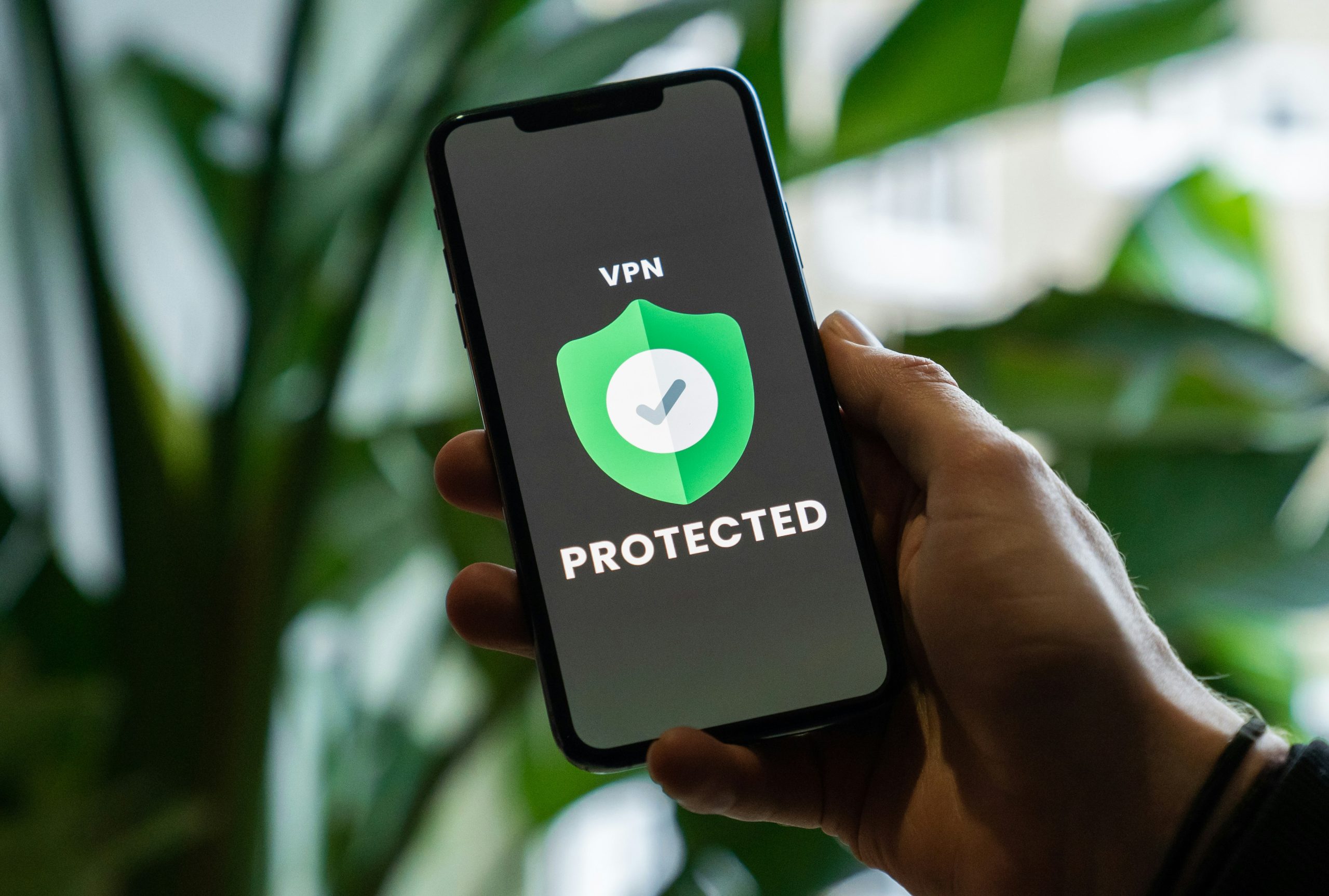
- Use a VPN. A VPN encrypts your traffic between your device and the internet, making it much harder for anyone on the same network to intercept what you’re doing. NordVPN, ExpressVPN, and Mullvad are the most consistently recommended options for travellers.
- Don’t access sensitive accounts (banking, client portals, company systems) on public Wi-Fi without a VPN.
- Enable two-factor authentication on everything important. If your login credentials are somehow compromised, 2FA is the backstop.
- Use your phone hotspot instead of public Wi-Fi for anything sensitive. Your eSIM data connection is significantly more secure than a shared café or hostel network.
A VPN also has a secondary travel benefit: it lets you access streaming services, news sites, and other content that may be geo-restricted in the country you’re in. Netflix content libraries vary by country, and a VPN set to your home country restores your usual library.
🌍 Connectivity by Region: What to Expect
Connectivity varies enormously by destination. Knowing what you’re heading into helps you plan.
Southeast Asia: Generally excellent in cities. Thailand, Vietnam, and Indonesia have fast 4G coverage in urban areas and eSIM support is good. Rural areas and islands can be patchy. The Philippines has improved but remains less consistent.
Europe: Some of the fastest urban Wi-Fi in the world, particularly in Scandinavia, the Netherlands, and the Baltics. Co-working infrastructure is mature. eSIMs work seamlessly across the EU.
Latin America: Colombia (Medellín especially) and Mexico City have become major digital nomad hubs with good co-working infrastructure. Brazil and Argentina are improving. Rural areas remain inconsistent.
South Asia: India has excellent and very cheap mobile data. Nepal has good coverage in Kathmandu and trekking corridors. Sri Lanka is improving. Coverage drops fast outside of urban areas.
Africa: South Africa and Kenya (Nairobi especially) have strong digital nomad infrastructure. The rest of the continent varies significantly by country and city. Always have a local SIM backup plan in Africa regardless of your eSIM setup.

💸 Budget Breakdown: What Connectivity Costs
| Option | Approximate Cost |
|---|---|
| eSIM (regional, 10GB) | €15-30 for 30 days |
| eSIM (unlimited, Holafly) | €30-60 for 30 days depending on region |
| Portable hotspot rental | €8-15/day |
| Co-working day pass (SE Asia/Latin America) | €5-20 |
| Co-working day pass (Europe) | €15-40 |
| Co-working monthly (SE Asia) | €80-200 |
| VPN subscription | €3-8/month (annual plans) |
The most cost-effective setup for most working travellers: a regional eSIM with tethering enabled, a VPN subscription, and occasional co-working day passes for heavy work sessions. Total monthly cost for a serious remote worker: roughly €50-100, depending on data usage and co-working frequency.
✅ Final Thoughts: Build Your Connectivity Setup Before You Leave
The single best thing you can do is sort your connectivity before you need it urgently. Download and test your eSIM provider’s app before your first trip. Set up your VPN at home where you have time to troubleshoot. Research co-working options in your first destination so you have a backup ready.
Connectivity failure is almost always a planning problem, not a technology problem. The tools exist and they work well. The issue is arriving in a new country without a plan and having to figure it out from a hostel lobby with a deadline approaching.
With an eSIM active, a VPN running, and a co-working space bookmarked, you can work effectively from almost anywhere in the world. The view from the desk changes. The work gets done.
Download the Hostelworld app to start booking now


❓ FAQs: Working While Travelling
Which eSIM provider is best for long-term travellers?
Airalo is the most widely recommended for its coverage (200+ countries) and competitive pricing. Holafly is the best pick for heavy data users who want unlimited plans. Both have reliable apps and good customer support.
Is hostel Wi-Fi fast enough for remote work?
It depends entirely on the hostel. Some have excellent, fast connections with dedicated co-working areas. Others have shared routers that struggle under load. Check reviews specifically mentioning Wi-Fi speed, and always test the connection before you need it for something important.
Do I need a VPN while travelling?
If you're working on public or shared Wi-Fi, yes. A VPN encrypts your traffic and protects your data on networks you don't control. It also unlocks geo-restricted streaming content. NordVPN, ExpressVPN, and Mullvad are solid options for travellers.
How do I find co-working spaces on the road?
Nomad List (nomadlist.com) and Coworker.com are the most useful resources. Google Maps search for "co-working space" works well in most cities. Your hostel staff are often the fastest local resource in digital nomad-friendly destinations.
Can I use my phone as a hotspot abroad?
Yes, if your eSIM plan includes tethering. Connect your laptop to your phone's mobile hotspot and use your eSIM data for both devices. Keep a power bank handy as running a hotspot drains your phone battery quickly.
What is the best country for digital nomads in terms of connectivity?
Thailand, Portugal, Colombia, and Estonia consistently top digital nomad connectivity lists for their combination of fast internet, co-working infrastructure, and affordable cost of living. Medellín (Colombia) and Chiang Mai (Thailand) in particular have large, well-established nomad communities with excellent workspace options.


 Get the App.